


























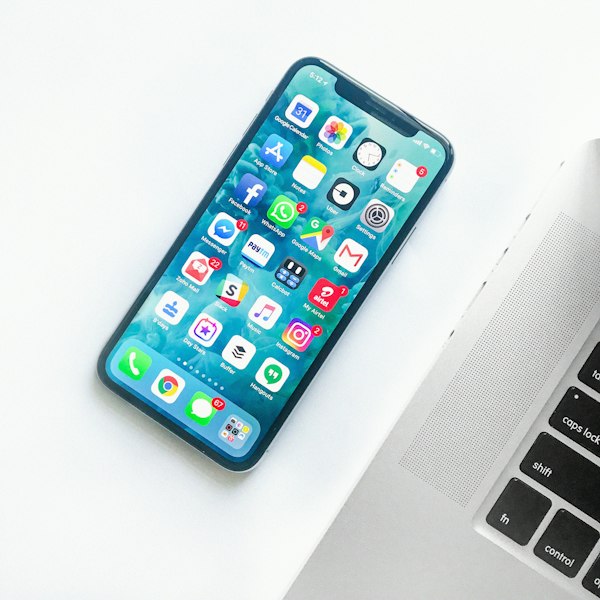
Used Smartphone Checklist: What to Test Before You Pay
Checking IMEI, battery health, TRCSL registration, and iCloud status when meeting a private seller in Sri Lanka.
Buying a used phone is a fantastic way to save money, but the electronics market carries risks. Always run through this comprehensive checklist when meeting a seller in person.
The Ultimate Hardware & Software Checklist
1. Match the IMEI
Dial *#06# on the phone. The IMEI number displayed on the screen must perfectly match the IMEI printed on the back of the phone and the original box. If they don't match, the phone's housing or logic board has been replaced.
2. TRCSL Registration
This is crucial in Sri Lanka. Unregistered phones may get blocked from local networks (Dialog, Mobitel, Hutch, Airtel). You can verify the TRCSL registration status by sending an SMS: IMEI [15-digit-number] to 1909.
3. Battery Health (iPhones)
If buying an iPhone, navigate to Settings > Battery > Battery Health. Anything below 80% means the battery is degraded and will likely need replacing soon. Use this as a negotiation point.
4. Account Locks (iCloud / Google)
Never hand over cash until the seller has fully signed out of their iCloud or Google accounts and factory reset the device in front of you. Buying a phone that is iCloud-locked turns it into a very expensive paperweight.
5. The Hardware Diagnostic Run
Don't rush the physical inspection. Take 10 minutes to test:
- Cameras: Test front, back, ultra-wide, and flash.
- Audio: Play a YouTube video to test speakers. Make a quick phone call to test the earpiece and microphone.
- Display: Turn brightness to max. Open a pure white image to look for screen burn-in or dead pixels.
- Ports: Bring a power bank and cable to ensure the charging port works flawlessly.
More from the iGo Blog